 CardScanner
How to Follow Up After a Networking Event Without Losing Contacts
Networking events are full of good conversations. A week later, most of them have faded. The cards are in a bag, the names are blurry and the moment to follow up has passed.
This guide gives you a routine that keeps the details safe and your follow-ups on time. You can read how CardScanner fits in on the business card to quick mail page.
Why follow-ups slip
There are three common reasons. The contact details are stuck on paper. You do not remember what you talked about. And typing everything in feels like a big job, so it waits for later.
Each one can be fixed with a small habit.
Before the event
- Decide what a good follow-up looks like for you. A short message with one clear next step is usually enough.
- Create an account and open the scan page on your phone so you are ready.
- Think of a tag name for the event, such as Spring Conference.
During the event
When someone hands you a card, put it in one pocket. Keep your own cards in another so they do not mix.
In a quiet moment, scan the cards you collected. You can use your phone with a private scan link. Create the link and QR code on the scan page, open it on your phone, take a photo of each card and save it. The link only scans and saves cards, and it expires on its own.
After each conversation, write one line on your phone about what you discussed. You will add it to the contact later.
The same day
- Scan any cards you did not get to.
- Open the Scans list and check each card, starting with the email address.
- Save the contacts.
- Add the event tag and a short note, for example the topic you discussed.
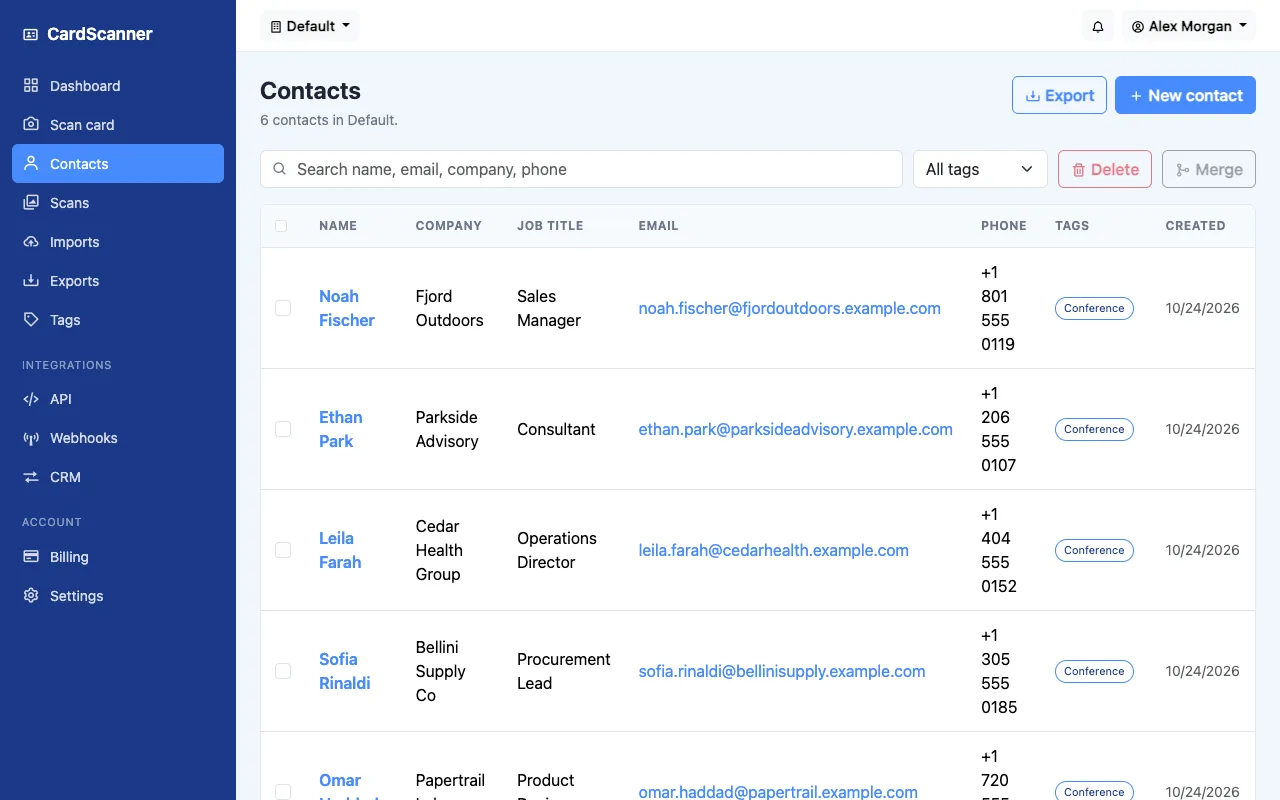
Doing this the same day is the secret. The conversation is still fresh, so your notes are specific.
Keeping your list accurate
CardScanner checks each new card against your existing contacts. If someone is already in your list, you can use the existing contact or merge the details. That prevents the same person from appearing twice with slightly different spellings.
Write the follow-up
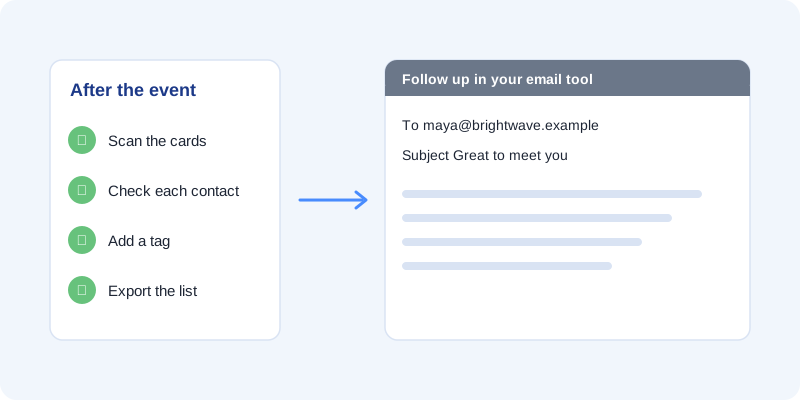
CardScanner does not send emails. It prepares your contacts so you can write in the tool you already use. You have two options.
- Open each contact in CardScanner and copy the email address and your note.
- Export your list as a CSV file and use it in your email tool or spreadsheet.
A good follow-up is short. Say where you met, mention one thing you talked about and suggest one next step.
A timeline you can copy
- Same day. Scan, check and tag your contacts.
- Next working day. Send your first follow-ups.
- One week later. Send a gentle reminder to anyone who has not replied.
- One month later. Check your list and plan your next touch.
What not to do
- Do not wait until you have time for everything. Do a little each day.
- Do not send the same message to everyone without a personal line.
- Do not skip the review step. A wrong email address wastes your follow-up.
If you came back with a big pile, the bulk business card scanner page shows how to work through many cards at once.
Try CardScanner for free
Scan your first card and see the details appear. No credit card needed to start.
Start Scanning for Free